
What Is a St. Louis City Court Docket
A docket is the chronological list of events in a case. Each line is a docket entry. It notes a filing, a hearing, a ruling, or another step, with the date it happened. Think of it as the case timeline. A petition filed, a summons issued, a service returned, a motion filed, a hearing scheduled, an order entered, a judgment entered, a warrant issued, a plea, a sentencing, a continuance, an appeal. Those are the kinds of lines you see on a St. Louis City court docket.
The docket is not the full case record. The full file holds the actual documents: the petitions, the motions, the exhibits, and the signed orders. The docket just lists that those things happened. Under Missouri Court Operating Rule 2, docket entries are open to internet access when the case is not confidential. The official court record structure, including docket sheets and indexes, is governed by Court Operating Rule 4.
How to Find St. Louis City Court Dockets
The tool is Missouri Case.net. It is the free public portal for cases filed in Missouri courts, and it covers the City of St. Louis. You can reach a docket by case number or by litigant name. The key step is the court dropdown. Pick "City of St. Louis - 22nd Judicial Circuit" so the search stays on city cases. Once you open a case, the docket entries appear with their dates.
- Open Missouri Case.net in Chrome or Edge.
- In "Search for cases in," select "City of St. Louis - 22nd Judicial Circuit."
- Search by case number, or by last and first name with an optional date of birth.
- For a city ticket, set Location to "St. Louis City Municipal" and Case Type to "Traffic/Municipal."
- Open the case and review the docket entries in date order to find filings and the next court date.
From a name search, you can select the name and then click "Get Related Cases" in the right-side column to find every linked matter. Full search-field detail and the case-result fields sit on the St. Louis City court records page.
Sample St. Louis City Docket Entry
Each docket entry follows a pattern. It carries a date, a short label for the event, and sometimes a note about who filed it or which document was added. The table below shows the parts of a typical St. Louis City court docket line and what each one tells you.
| Field | What It Shows |
|---|---|
| Entry Date | The day the filing, hearing, ruling, or event was recorded. |
| Event Type | The action, such as petition filed, motion filed, order entered, or judgment entered. |
| Party Filing | The side that filed, such as plaintiff, defendant, petitioner, or the state. |
| Hearing / Calendar Date | A scheduled date, time, division or courtroom, and the judge or commissioner. |
| Document Link | A public document filed on or after July 1, 2023 may open, watermarked and redacted. |
Calendar dates are part of the public record under Court Operating Rule 2, which is why a docket lookup can confirm a hearing. The city page also says a municipal case result includes current case information and court-date confirmation. The Case.net redesign made most case views mobile-friendly, though the Judicial Calendar is one feature that does not carry over to the mobile layout.
St. Louis City Municipal Court Date Lookup
City traffic and ordinance tickets run through the Municipal Division of the 22nd Circuit, and their dockets also sit in Case.net. The old Municourt.net site no longer works. For a municipal court-date lookup, set Location to "St. Louis City Municipal" and Case Type to "Traffic/Municipal" after picking the city circuit. The result confirms the case and the court date.
New tickets take time to post. The city says there is processing time after a citation is issued, so wait a few days and check again if a ticket does not appear. For a citation filed before January 2, 2024 that still cannot be found, the city tells people to call 314-622-3231 or visit the Municipal Court Customer Service window at 1520 Market Street with a photo ID.
Note: The St. Louis City traffic court records page covers citation lookups, paying a ticket, and contesting a charge in more depth.
Courts That Publish St. Louis City Dockets
St. Louis City is the 22nd Judicial Circuit, and its dockets flow through Case.net by division. The Circuit Court is the main trial court, with civil, criminal, family, juvenile, and probate dockets. Below it, the Municipal Division handles city tickets and ordinance cases. Appeals go to the Missouri Court of Appeals, Eastern District. Not every docket is public, though. Juvenile, adoption, and sealed matters are limited or absent in public search.
- 22nd Judicial Circuit Court - civil, criminal, family, and probate dockets for the City of St. Louis.
- Municipal Division - traffic, ordinance, minor criminal, truancy, and problem-property dockets.
- Probate Division - estate, guardianship, and conservatorship dockets, on the 10th floor of the Cahill building.
Court-by-court contacts and the full list of divisions and judges sit on the St. Louis City Circuit Court page. For the office that keeps the files behind each docket, see the St. Louis City Circuit Clerk page.
Docket vs. Full Case Record
A docket and a full case record are not the same thing. The docket is the list of events. The full record is the stack of documents behind those events. A docket lookup is fast and free and good for tracking a case. A full file is what you need for legal review or evidence. The table below lays out the difference for St. Louis City court records.
| Docket | Full Case Record | |
|---|---|---|
| Format | List of dated entries | Full documents and exhibits |
| Access | Online and free on Case.net | Some documents online; certified copies from the clerk |
| Use | Track progress and court dates | Legal review, proof, certified copy |
| Certified? | No, a public service only | Yes, when issued by the Circuit Clerk |
Remember that Case.net is a public service, not a certified record. A docket entry can point you to a document, but a court-ready copy still comes from the Circuit Clerk.
Watermarked Documents and Redactions
Public documents tied to a docket entry are not raw files. The Missouri judiciary added a watermark to public Case.net documents, effective October 20, 2023. Remote public access also strips or hides confidential information before a document is shown. So a document you open from a docket may carry a watermark and have personal data masked.
Only certain documents are online at all. Public documents filed on or after July 1, 2023 may be viewed remotely, subject to confidentiality, redaction, and public-access rules. Older filings, or anything sealed, may show as a docket line with no document to open. Personal identifiers like Social Security numbers, account numbers, and protected victim data are redacted under the access rules.
One more limit is worth noting. Case.net blocks scrapers and repeated automated extraction under Court Operating Rule 2 and the portal's own access notice. So a docket is meant to be read case by case, by hand, not pulled in bulk by a bot. Use the portal the way it was built and a St. Louis City court docket search stays fast and free.
In-Person and Virtual Court Dates
A docket shows the scheduled date, but how you appear depends on the court. For most municipal matters, you appear in person unless the court grants a written request for virtual court for good cause. Some traffic tickets can be paid without any appearance at all through the city's pay-online process or a Case.net payment link, which then closes the case without a hearing.
Watch the docket for a continuance, since a postponement changes the date. Missing a scheduled date can lead to a bench warrant, so confirm the entry before the day arrives. For criminal cases that route through the prosecutor and the jail, the St. Louis City arrest records page explains booking, charges, and bond.
Note: Always confirm a court date with the Municipal Court or the Circuit Clerk before you rely on a Case.net docket entry for any decision.
Federal Dockets Are Separate
Case.net does not hold federal dockets. Federal cases for St. Louis City are filed in the U.S. District Court for the Eastern District of Missouri, and they use a different system. To read a federal docket, you go through the federal case-management system and its public portal, not the state portal. The two do not share data, so a federal matter never shows on a St. Louis City court docket in Case.net.
The federal system is called CM/ECF, which stands for Case Management and Electronic Case Files. The Eastern District of Missouri CM/ECF page explains how electronic filing and the docket database work.
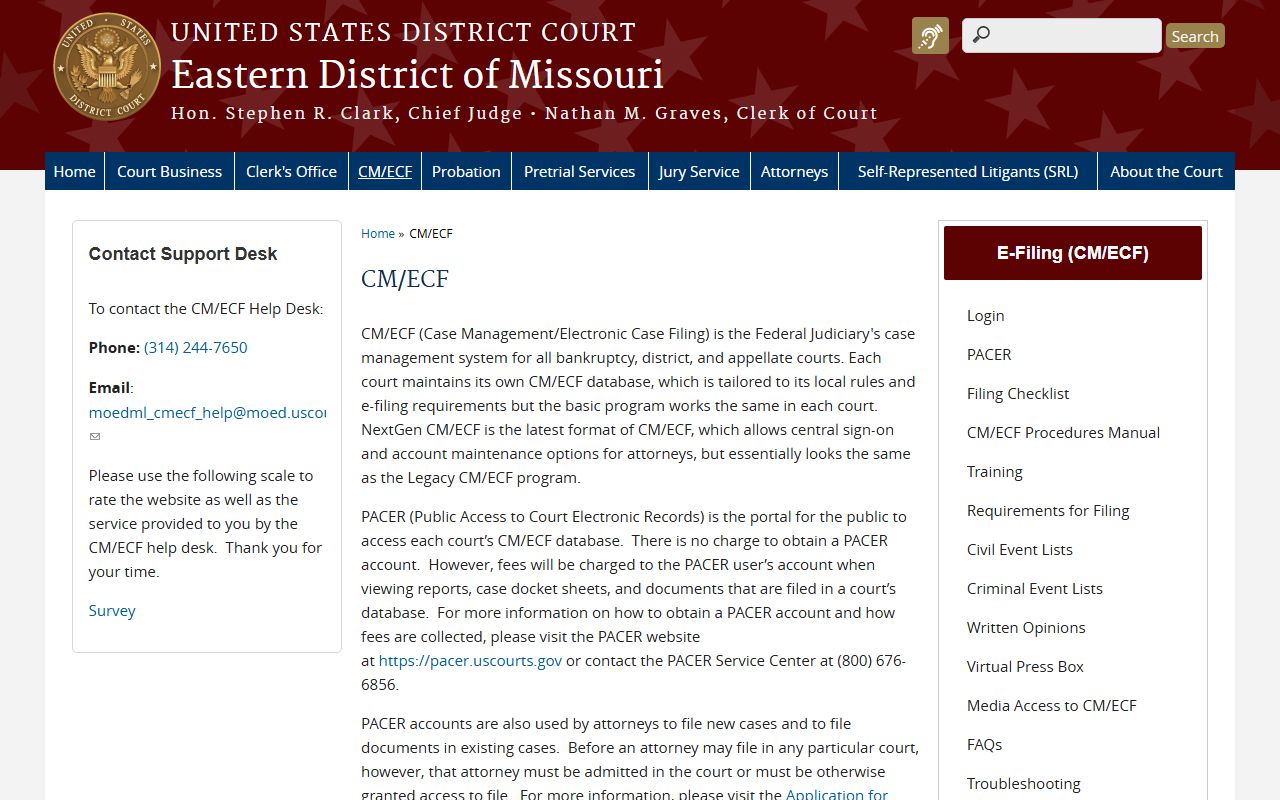
CM/ECF is where each federal court stores its dockets and documents, and the public reaches it through one shared portal.
That public portal is PACER. The PACER public access portal is the front door to federal district, bankruptcy, and appellate dockets.
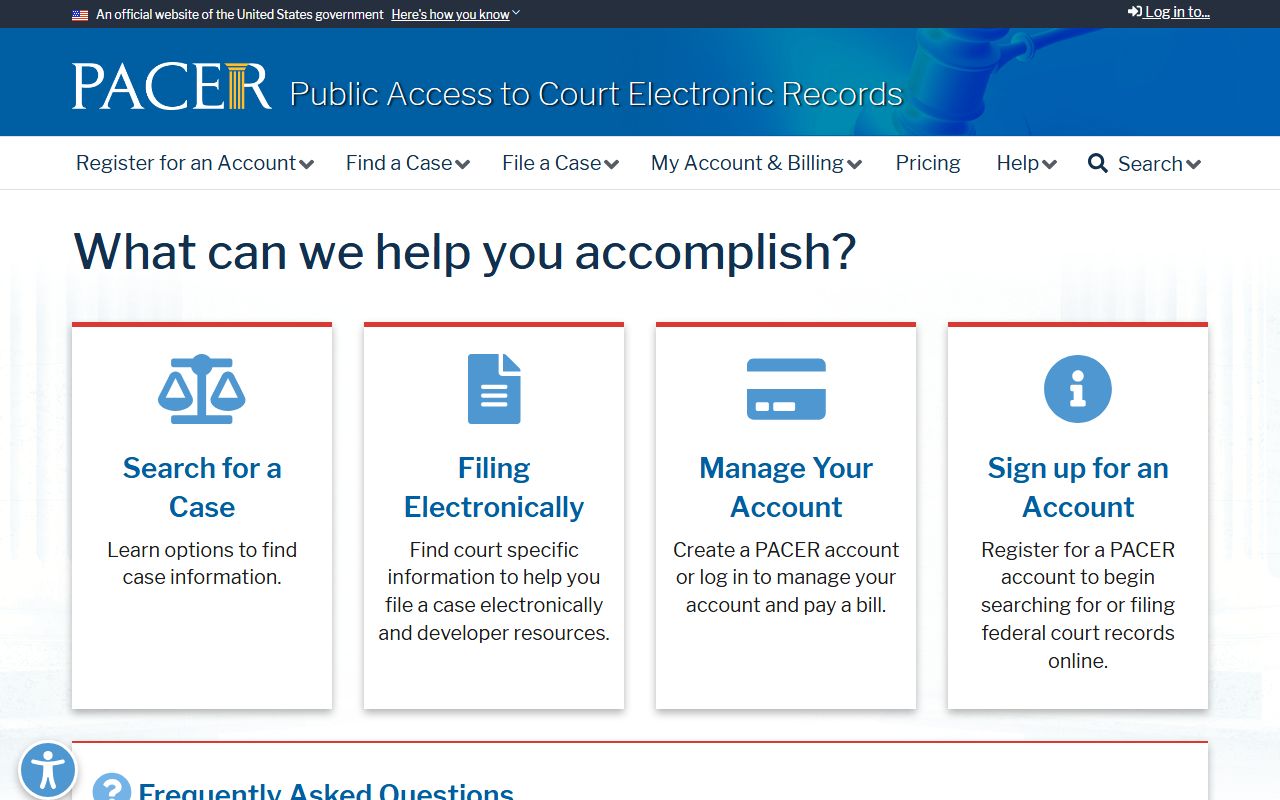
PACER charges a per-page fee for most docket and document views, which is different from the free Case.net access for state St. Louis City court dockets.